MissionTodo
Instruction Manual
Contents
- 2Getting Started
- 3Screen Overview
- 4Mission Types (1)
- 5Mission Types (2)
- 6Creating Missions (1)
- 7Creating Missions (2)
- 8Clearing Missions
- 9Points System
- 10Shop (1)
- 11Shop (2)
- 12Themes
- 13Settings
- 14Backup
- 15Notifications
- 16Home Widget
- 17Contact Us
- 18Credits
Getting Started
MissionTodo is a gamified to-do app that turns your daily tasks into "missions." Clear them to earn points and exchange for your own rewards!
With a built-in point and reward system, staying productive has never been this fun.
3 Steps to Begin
- Create a Mission — Turn your tasks into quests
- Clear & Earn Points — Earn points each time you complete a mission
- Redeem Rewards — Spend points on your personal rewards
Screen Overview
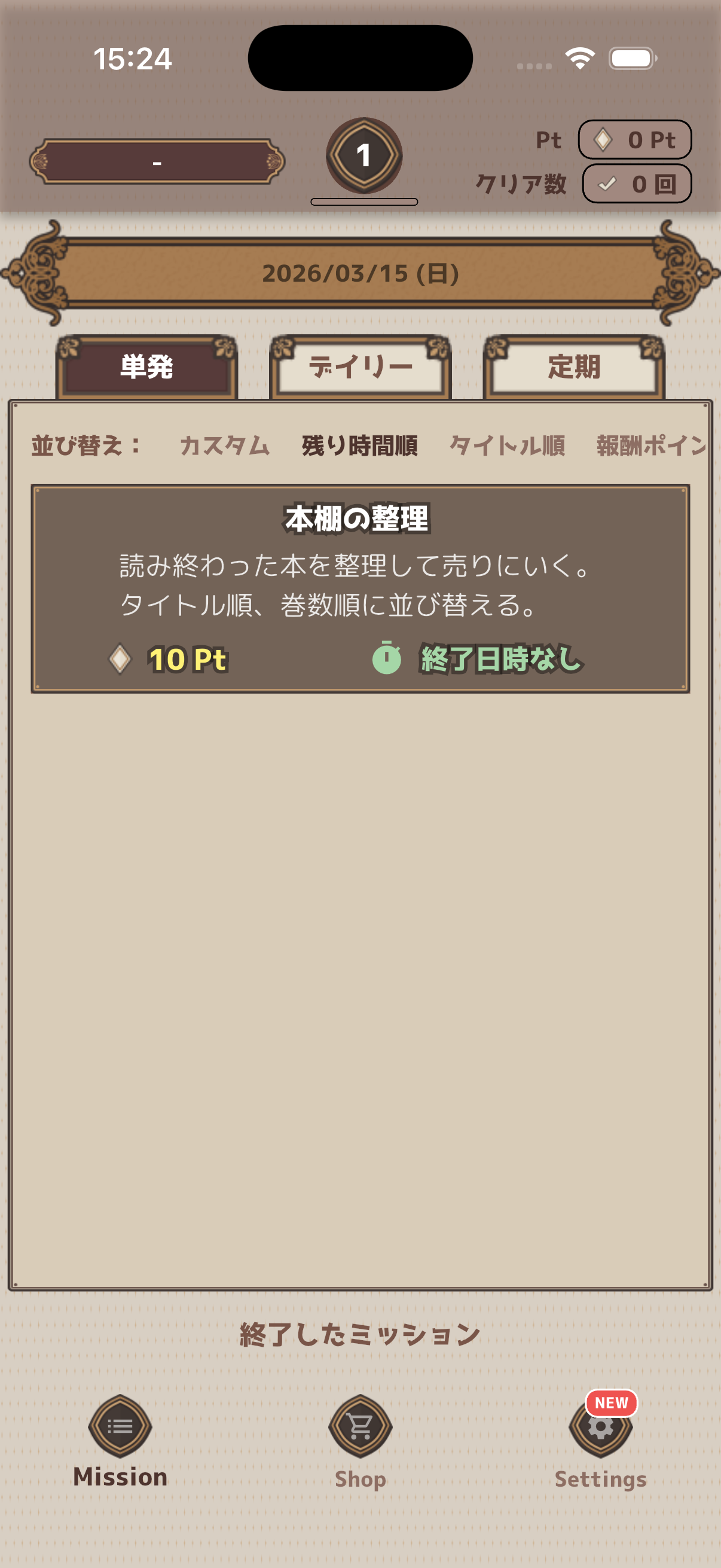
Here's an overview of the main screen components.
Screen Layout
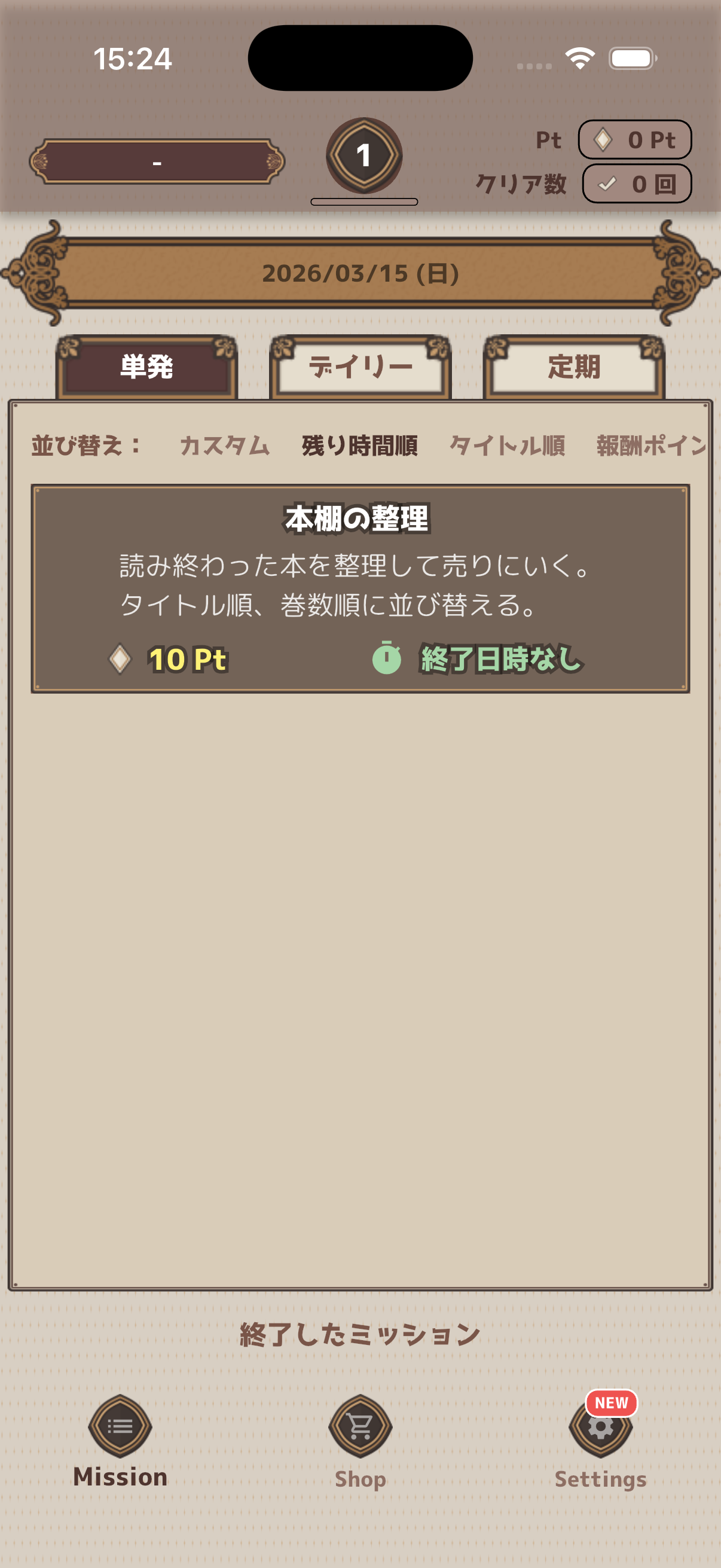
- Status Bar — Shows username, level, and points
- Tab Switcher — Switch between "One-Shot", "Daily", and "Regular" missions
- Mission List — Main area displaying mission cards
- Footer Navigation — Switch between Mission, Shop, and Settings
Mission Types
MissionTodo offers 3 types of missions to handle any kind of task.
1. Daily Mission
Automatically generated every day. A new mission appears after the day start time. Perfect for building daily habits.
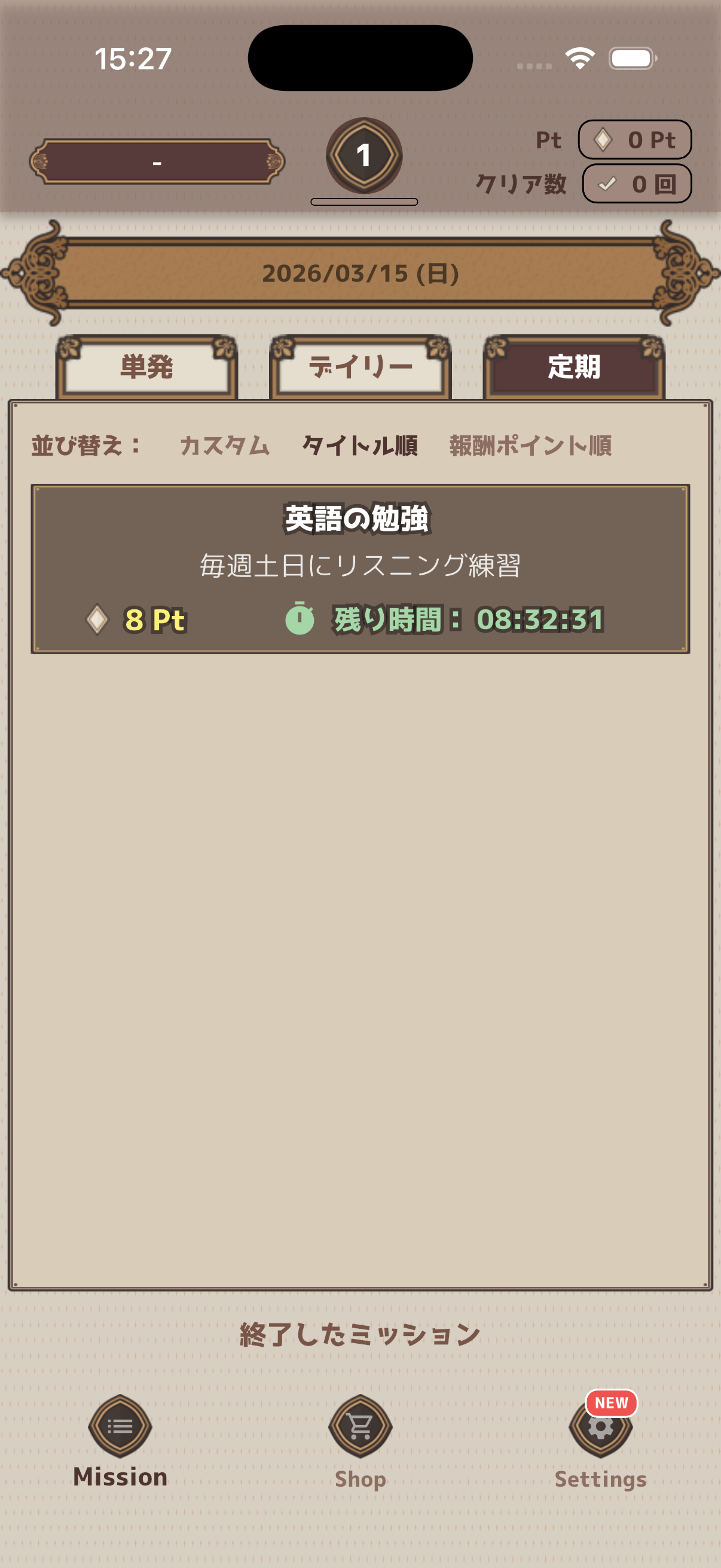
2. Regular Mission
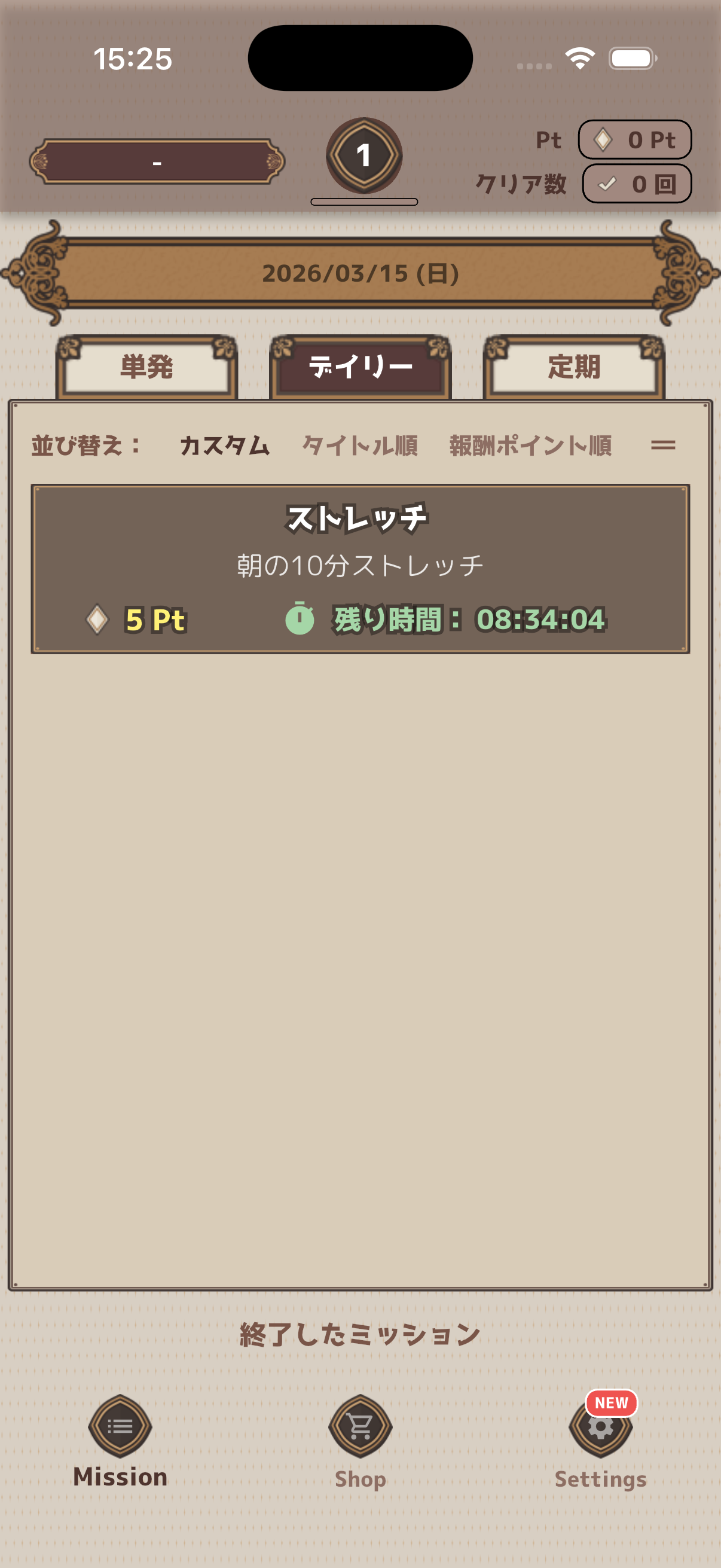
Recurring missions on a specific schedule — weekly, monthly, or yearly patterns. Ideal for routine management.
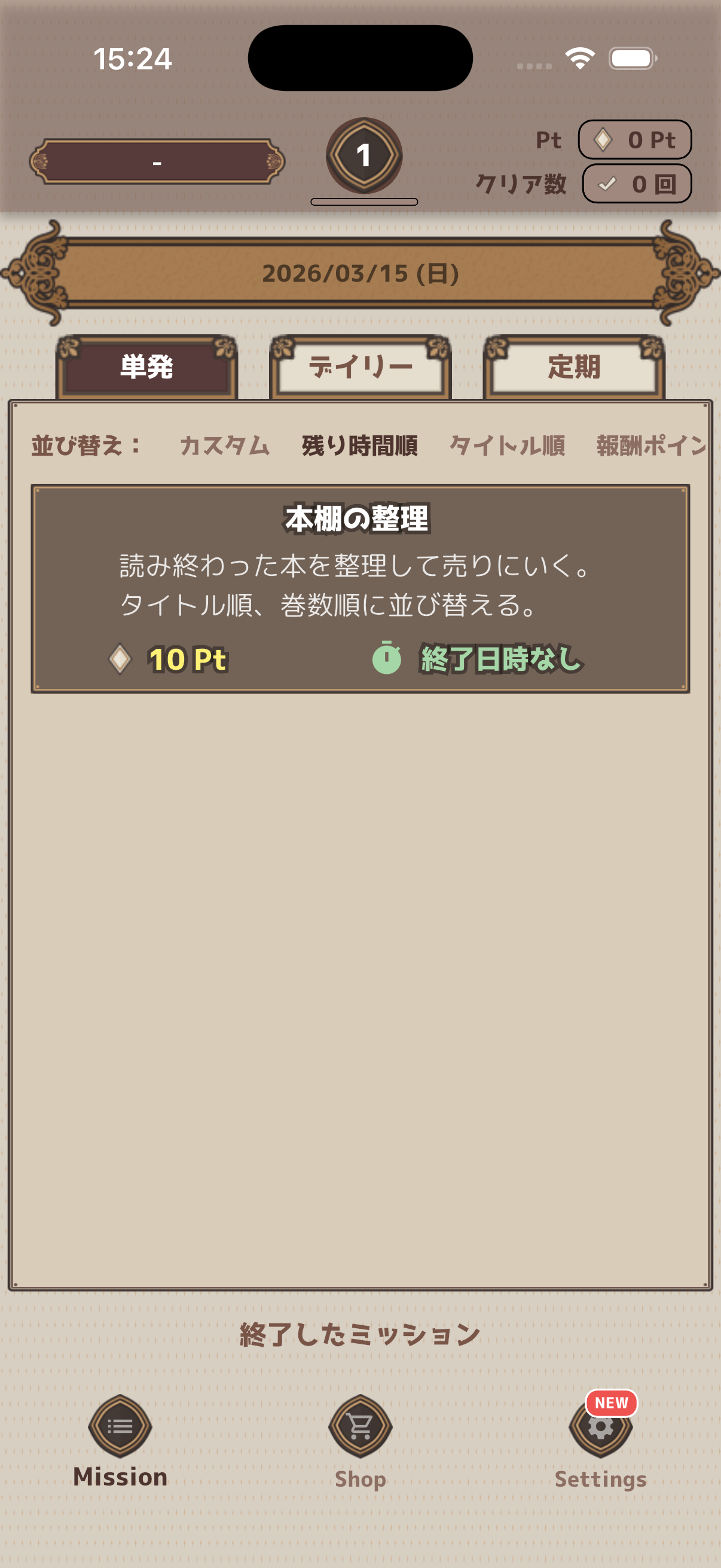
3. One-Shot Mission
A single-use mission. You can set a deadline, and it ends when completed. Optionally enable repeat to auto-generate the next mission after clearing.
Mission Comparison
| Feature | Daily | Regular | One-Shot |
|---|---|---|---|
| Generation | Auto daily | On schedule | Manual |
| Deadline | Day start time | Day start time | Optional |
| Recurrence | Automatic | Automatic | Optional |
| End Date | Configurable | Configurable | — |
| Best For | Daily habits | Routines | Individual tasks |
Creating Missions
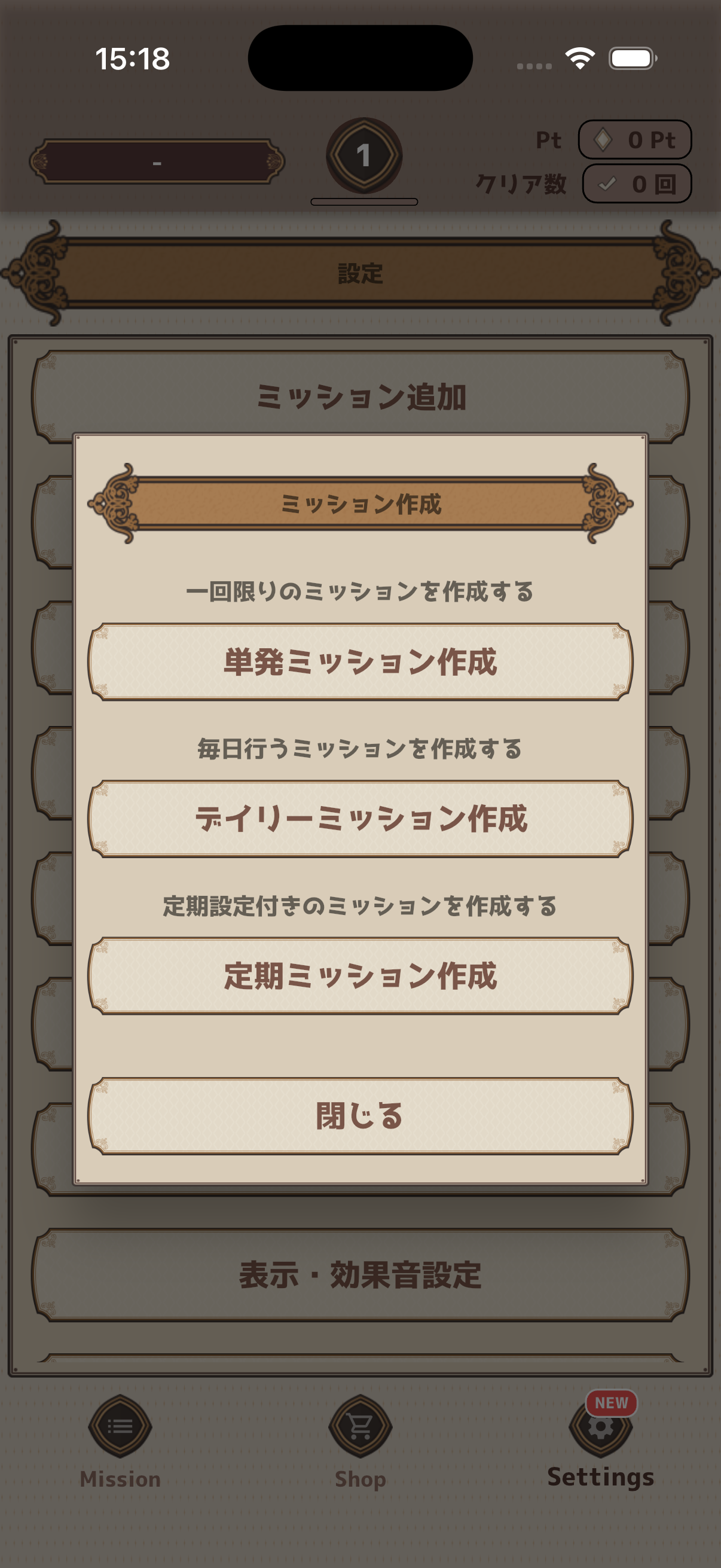
Create missions from "Add Mission" in the Settings screen.
Creation Flow
- Open the Settings screen
- Tap "Add Mission"
- Choose mission type (Daily / Regular / One-Shot)
- Enter mission name, description, and reward points
- Configure additional settings as needed
- Tap "Create" to finish
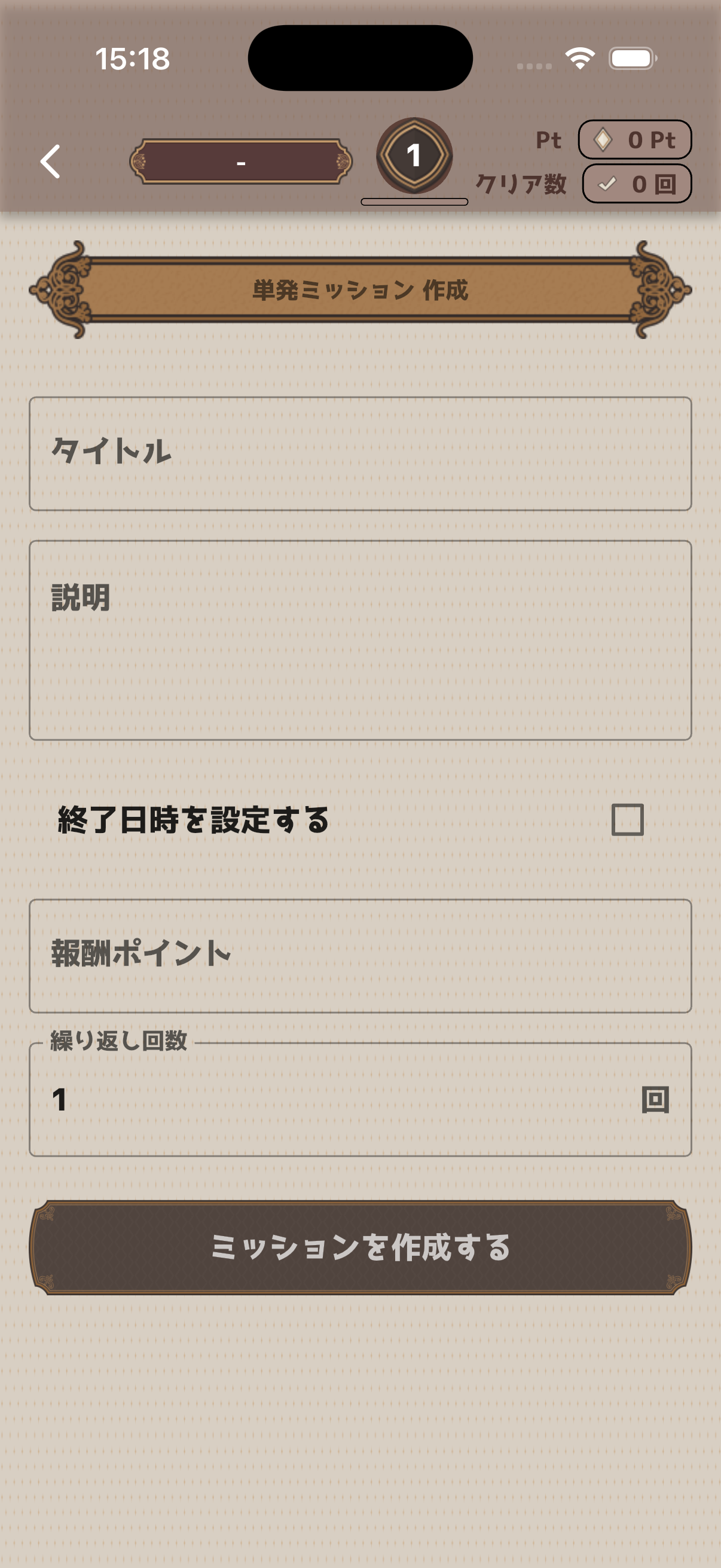
One-Shot Mission
Register a one-time task. You can optionally set a deadline and receive a reminder notification before it expires.
| Field | Description |
|---|---|
| Mission Name | Name of the task (required) |
| Description | Additional notes (optional) |
| End Date/Time | Mission deadline (optional) |
| Reward Points | Pt earned on completion (required) |
| Repeat Count | Auto-regenerate count after clearing |
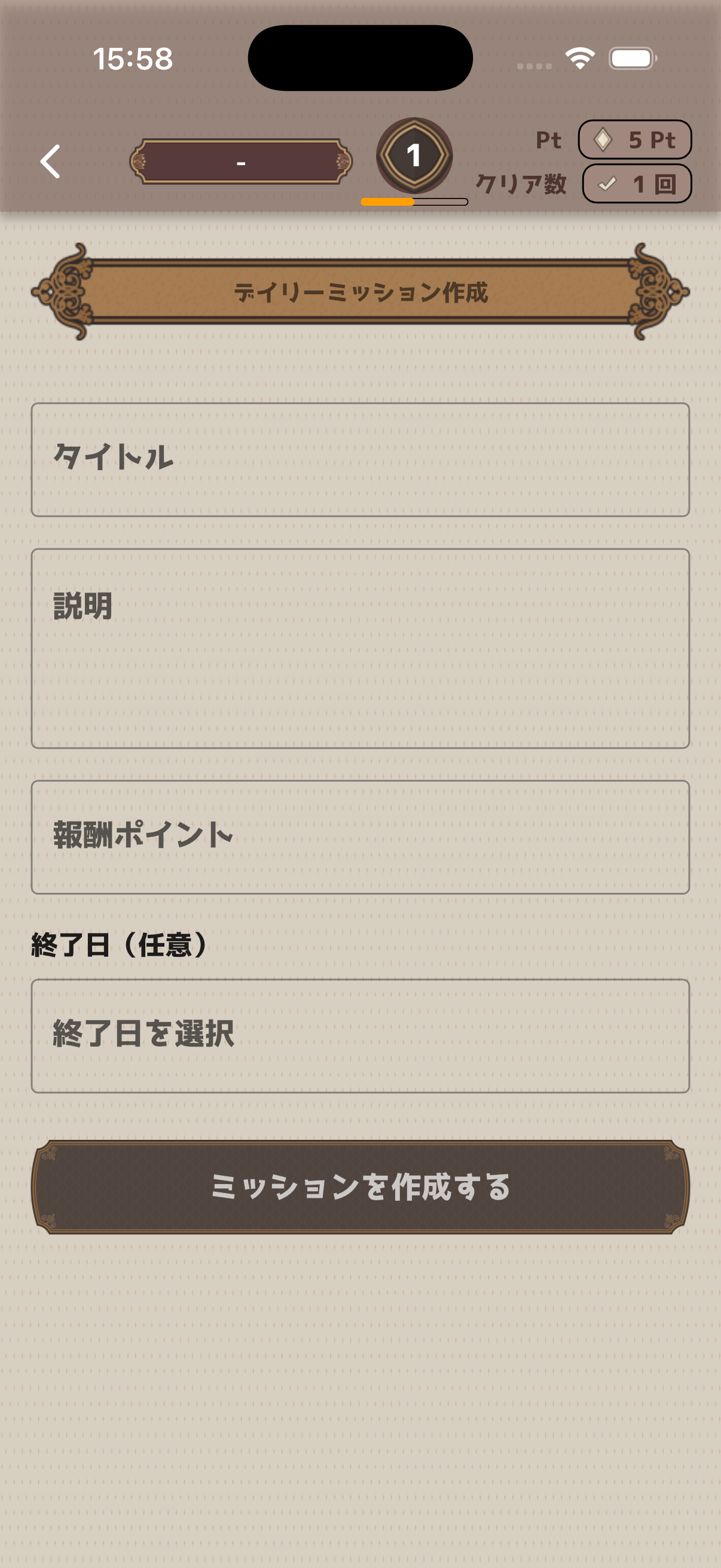
Daily Mission
Create a "design" (template) for missions that repeat every day. Missions are automatically generated daily based on the design.
| Field | Description |
|---|---|
| Mission Name | Name of the task (required) |
| Description | Additional notes (optional) |
| Reward Points | Pt earned on completion (required) |
| End Date | Design expiration date (optional) |
Regular Mission
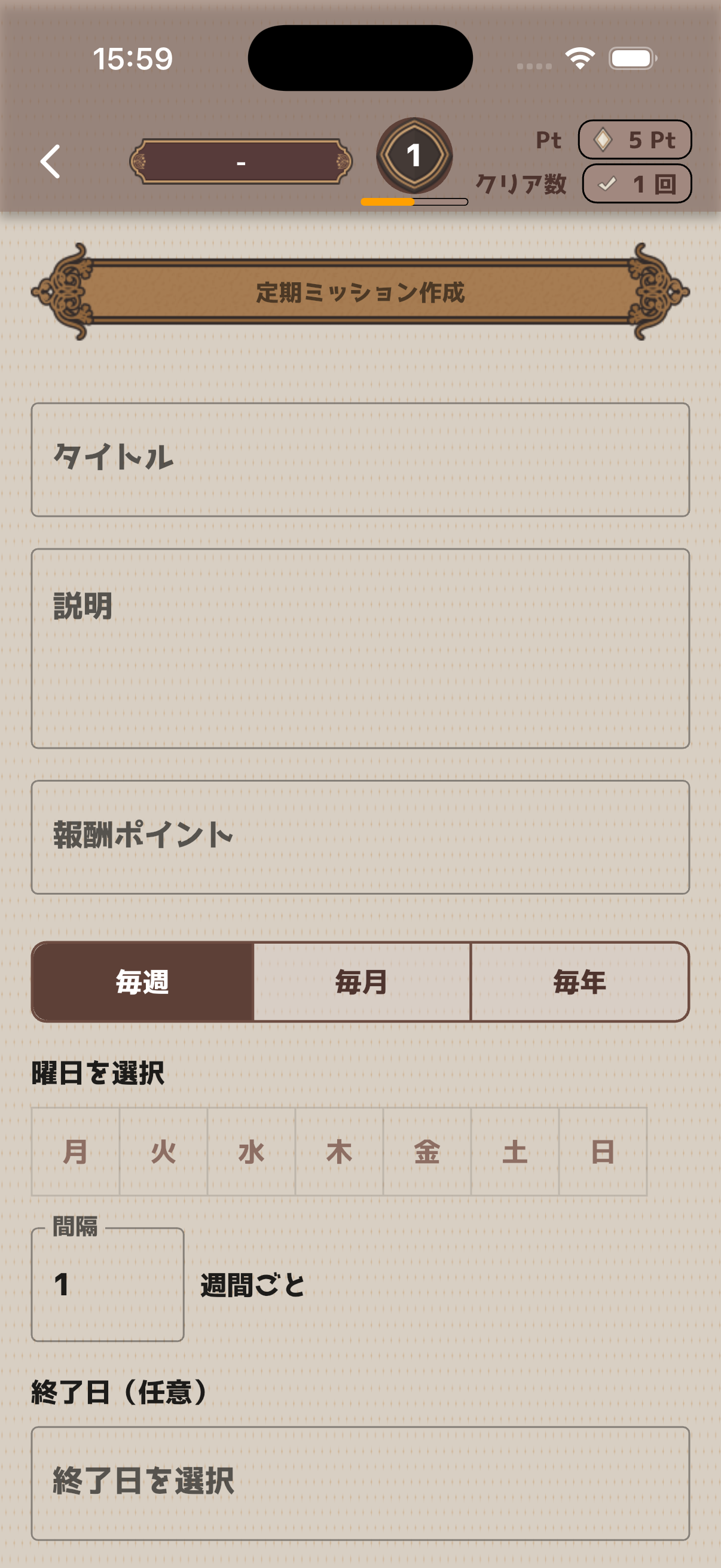
Create a design for missions that repeat on specific schedules — weekly, monthly, or yearly patterns.
| Field | Description |
|---|---|
| Mission Name | Name of the task (required) |
| Description | Additional notes (optional) |
| Reward Points | Pt earned on completion (required) |
| Frequency | Weekly / Monthly / Yearly |
| Days / Dates | When the mission occurs |
| Interval | How many weeks/months between occurrences |
| End Date | Design expiration date (optional) |
Clearing Missions
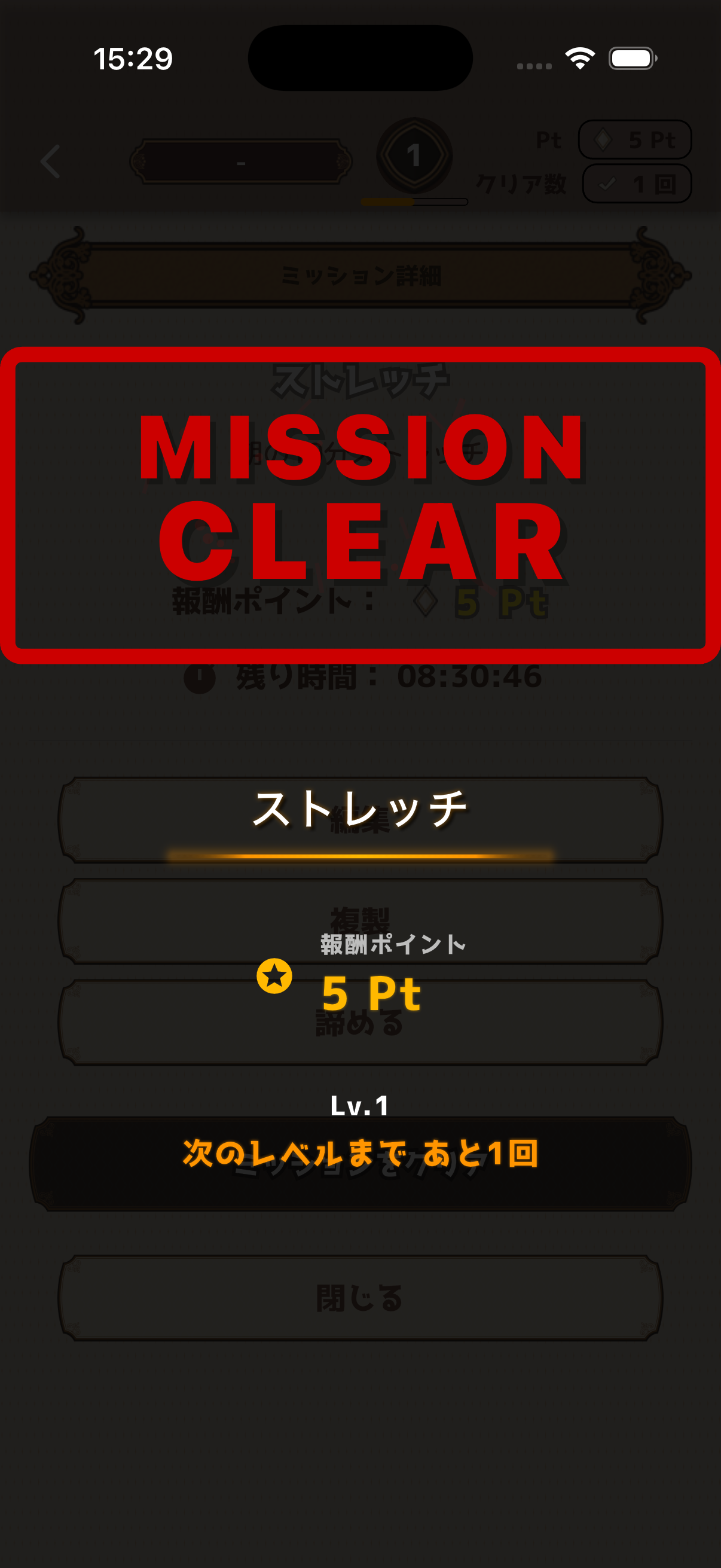
Tap a mission card to perform the clear action.
How to Clear
- Tap the check button on the mission card
- A clear animation plays
- Reward points are earned!
If a repeat count is set, you need to clear all repetitions for the mission to be fully completed.
Mission Detail Screen
Tap a mission card to open the detail screen. Here you can edit, duplicate, give up, or clear the mission.
Points System
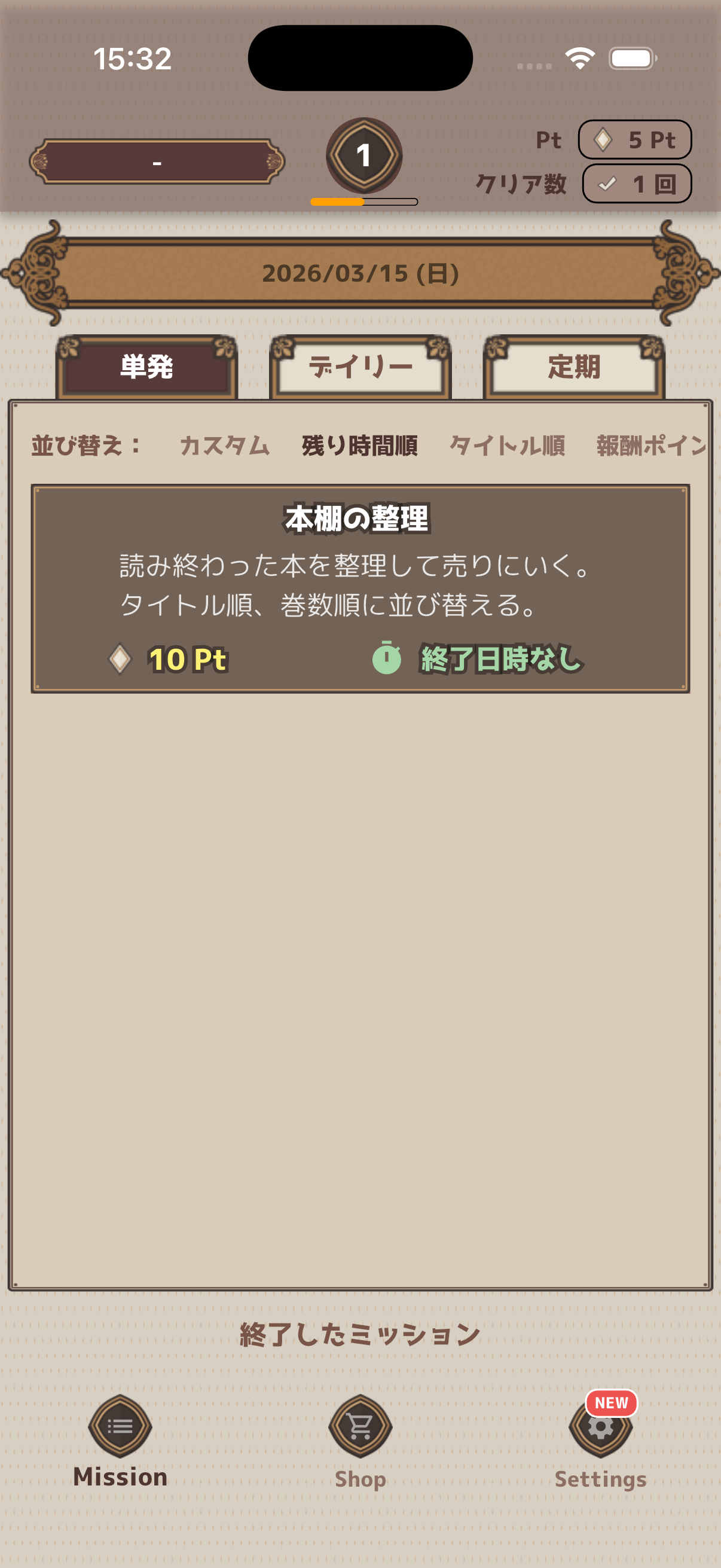
Earn reward points by clearing missions.
Earning Points
- Points set for each mission are added upon clearing
- With repeat counts, points are earned per individual clear
- Check your total points in the status bar at the top of the screen
Level System
Your level increases as you clear missions. The level changes based on your total clear count, and you can see how many clears remain until the next level.
Shop
In the Shop, you can purchase reward items you've created using your earned points.
Creating Items
- Tap "Add Shop Item" in Settings
- Set item name, price (Pt), and icon
- Optionally set stock quantity
- Tap "Create" to finish
Available Icons
 Money
Money
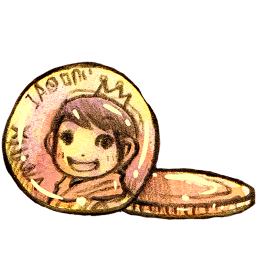 Coin
Coin
 Document
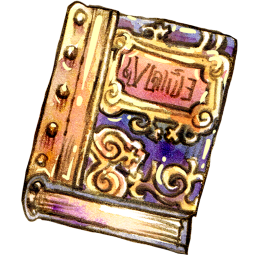 Book
Book
 Drink
Drink
 Music
Music
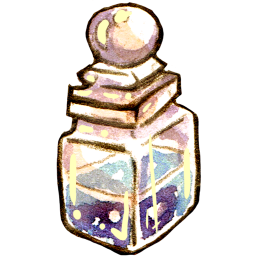 Potion
 Orb
Orb
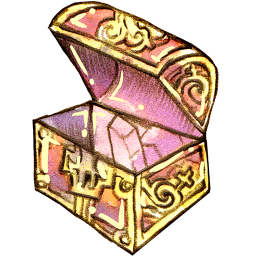 Storage
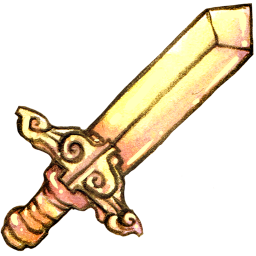 Sword
Sword
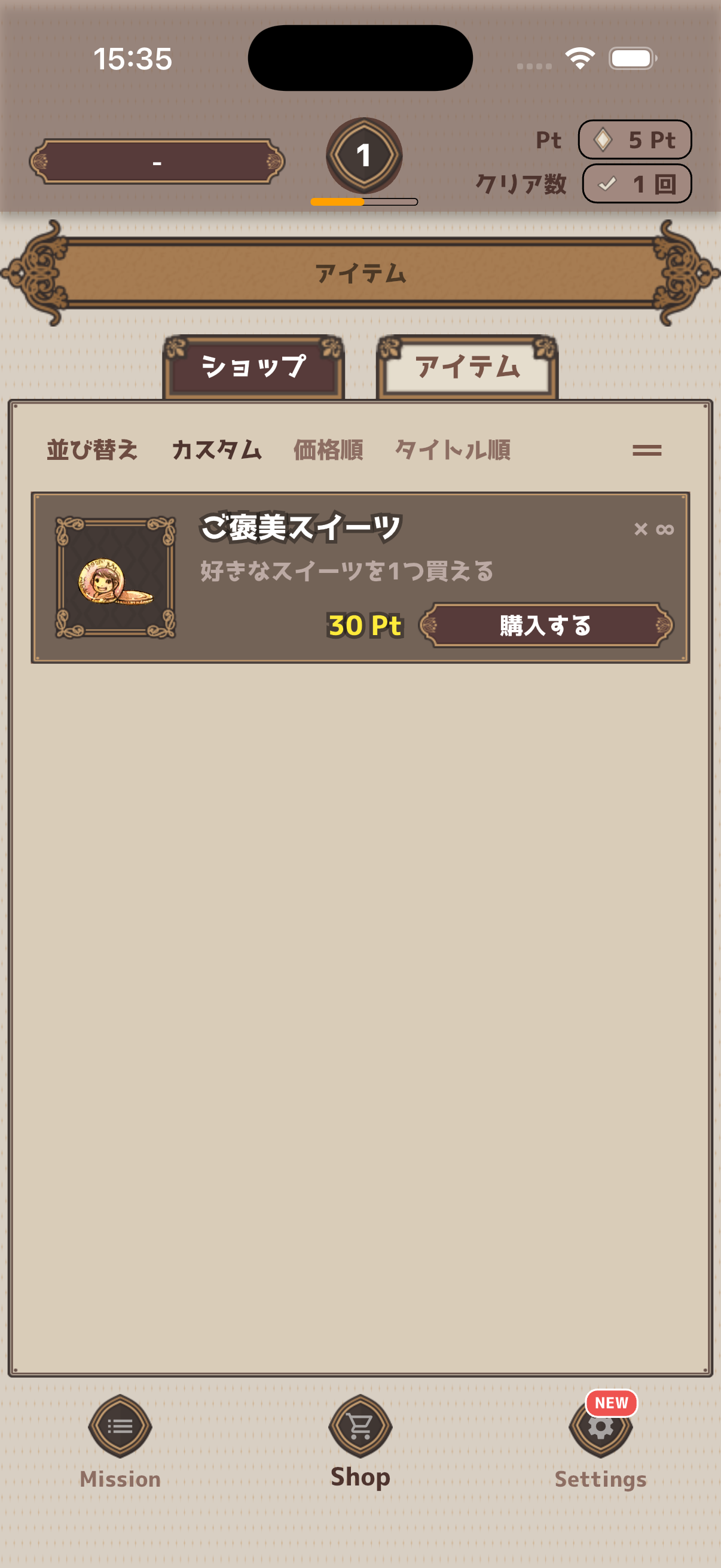
Purchasing Items
- Switch to the "Shop" tab in the footer navigation
- Tap the item you want to purchase
- Confirm in the dialog by tapping "Purchase"
- Points are deducted and the item is yours!
Using Items
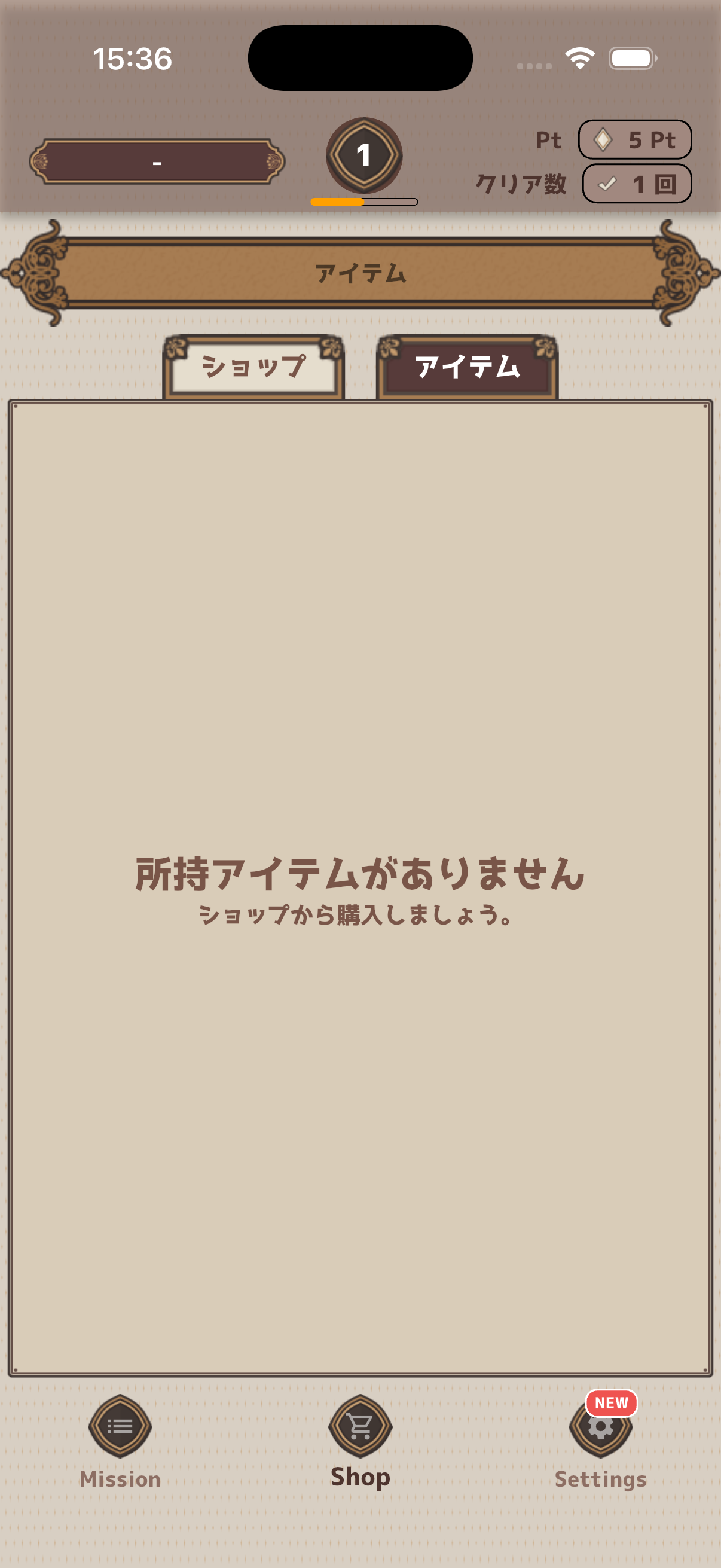
Switch to the "Items" tab to see your purchased items. Tap an item and select "Use" to mark it as used.
Items with limited stock will be hidden from the Shop once the stock runs out.
Themes
Customize your app's appearance with themes. Switch designs to match your mood.
Available Themes
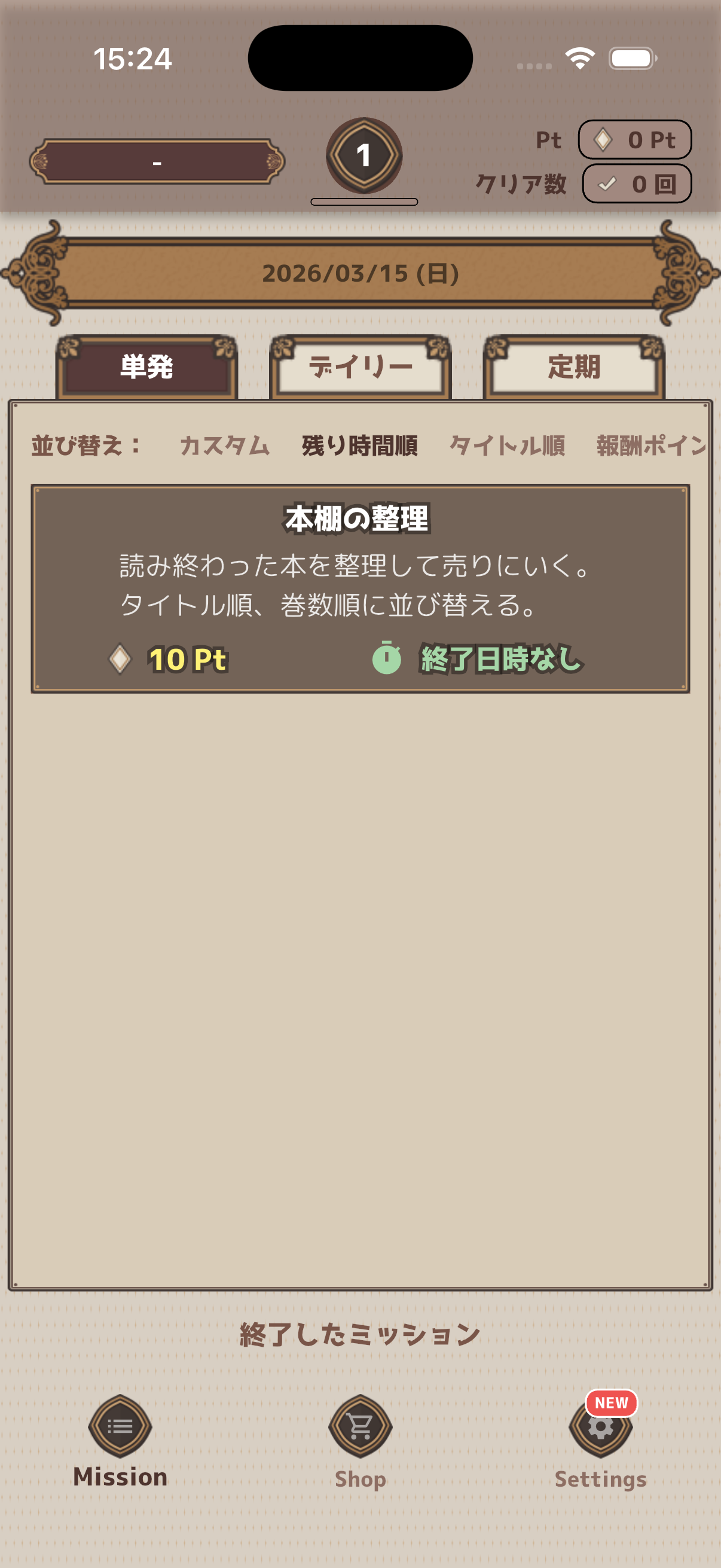
Simple and clean design
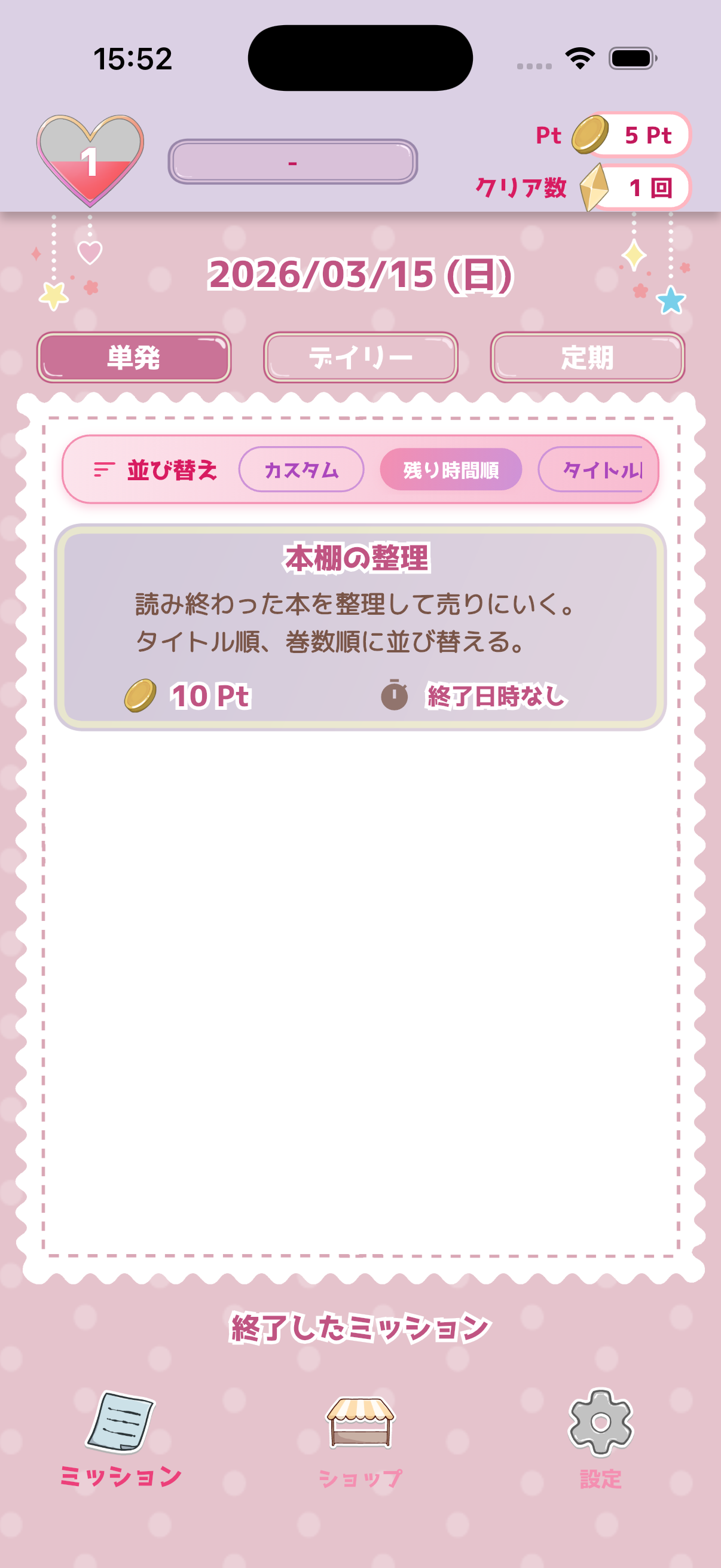
Cute and pop design
How to Change Theme
- Tap "Theme Shop" in Settings
- Preview available themes
- For paid themes, complete the purchase
- Tap "Apply" to switch to the theme
Settings
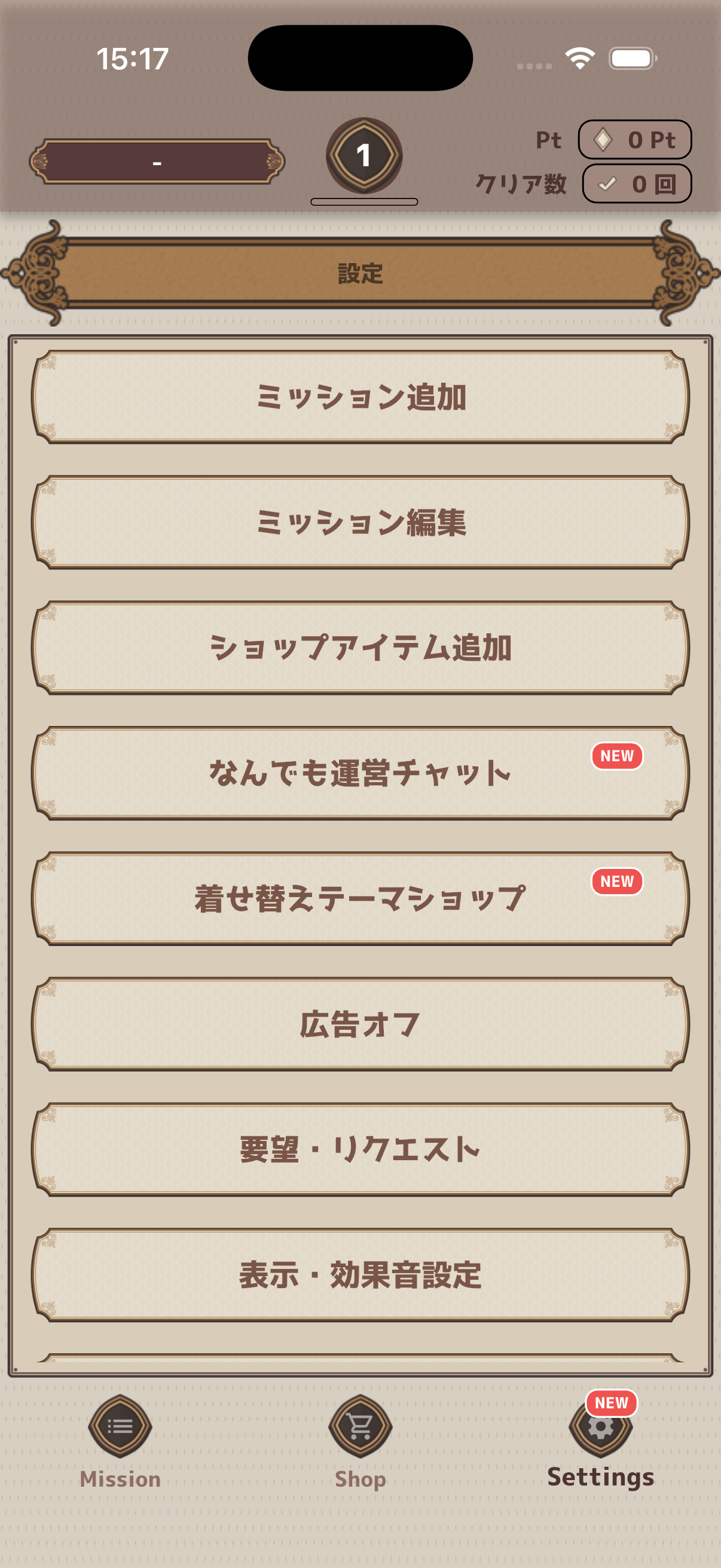
Customize various app settings from the Settings screen.
Day Start Time
Change when daily missions reset. Default is midnight (00:00). Set it to 4:00 AM, for example, so late-night users don't lose their streak.
Display & Sound Settings
- Show description on list — Display descriptions in the mission list
- Compact shop display — Display shop items compactly
- Clear animation — Show animation on mission completion
- Sound effects — Play sounds on button taps and completions
- Show used items — Show/hide used items in the Shop
Clear Count Settings
View and adjust your current mission clear count. The clear count is the basis for the level system and is used to calculate your level.
Remove Ads
Remove ads through an in-app purchase. Once purchased, ads will no longer be displayed.
Username
Change the username displayed in the app.
Backup
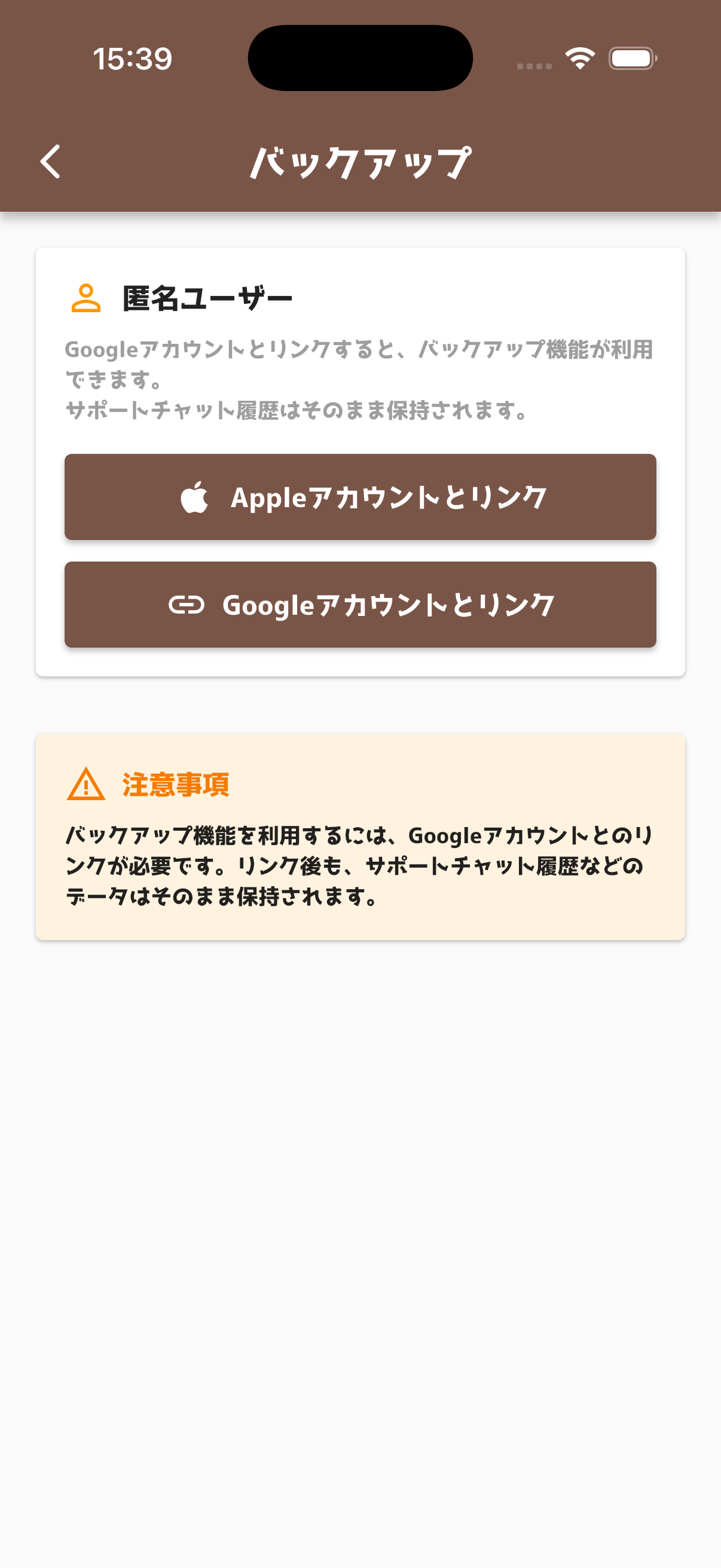
Back up your important data to the cloud and restore it when switching devices.
Authentication
Sign in with your Google or Apple account to use the backup feature.
How to Backup
- Tap "Backup Data" in Settings
- Sign in with Google / Apple
- Tap "Create Backup"
- Your data is saved to the cloud
How to Restore
- Install the app on your new device
- Sign in with the same account
- Tap "Restore"
Notifications
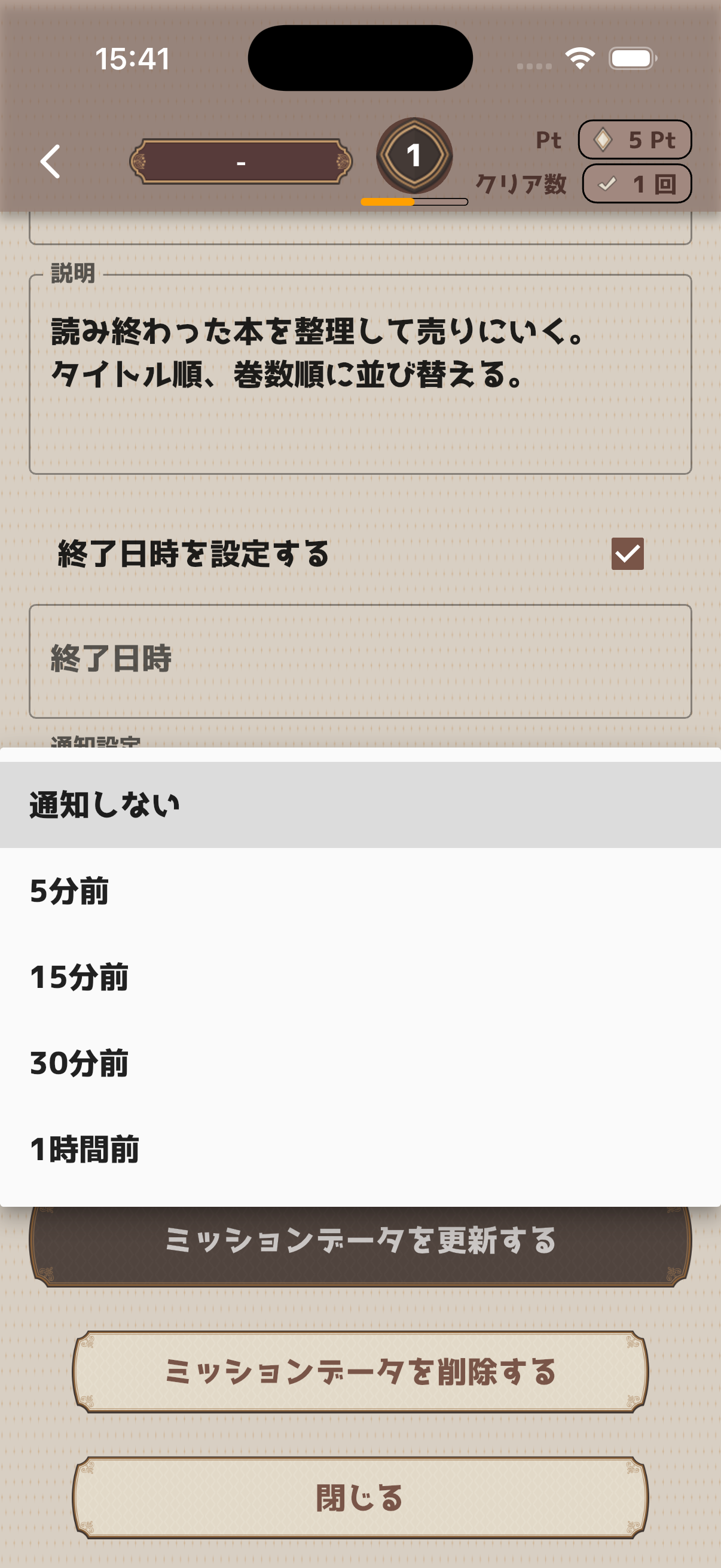
Receive reminder notifications for one-shot missions with deadlines.
Notification Timing
- No notification
- 5 minutes before
- 15 minutes before
- 30 minutes before
- 1 hour before
How to Set Up
- Open the one-shot mission create/edit screen
- Set an "End Date/Time"
- Choose your preferred notification timing
Home Widget
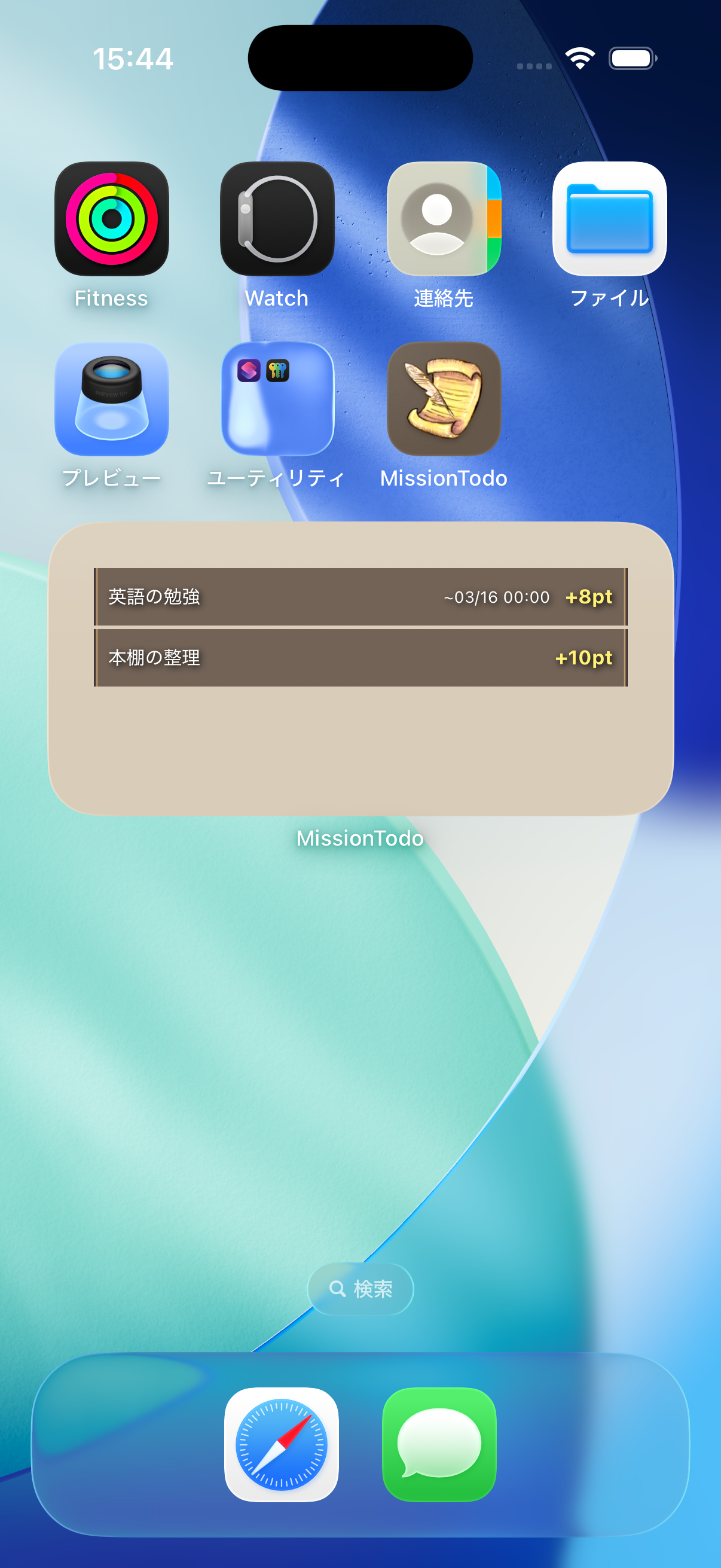
Add a widget to your home screen to check today's mission status without opening the app.
Adding on iOS
- Long-press on an empty area of your home screen
- Tap the "+" button in the top-left corner
- Search for "MissionTodo"
- Choose a widget size and tap "Add Widget"
Adding on Android
- Long-press on an empty area of your home screen
- Tap "Widgets"
- Find "MissionTodo"
- Drag the widget to your home screen
Contact Us
Have questions or feedback? Feel free to reach out using the methods below.
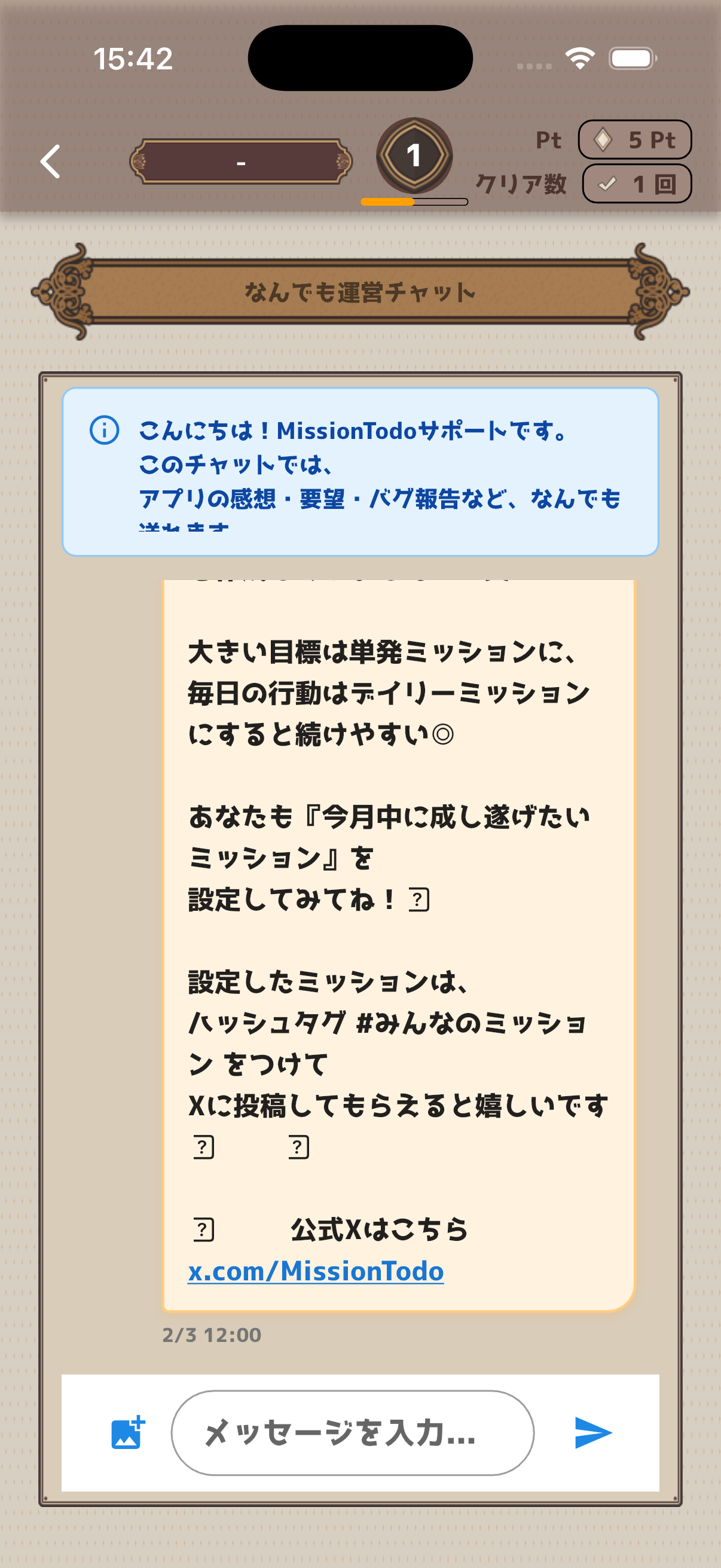
Support Chat
Access "Support Chat" from the Settings screen to send messages directly to the development team.
Requests & Feedback
Use "Request & Feedback" in Settings to submit feature requests or feedback. You can also vote on other users' requests.
Email Contact
You can also reach us by email:
support@bpmjapan.co.jp
BPM Japan LLC
iOS / Android
© 2026 BPM Japan LLC. All rights reserved.